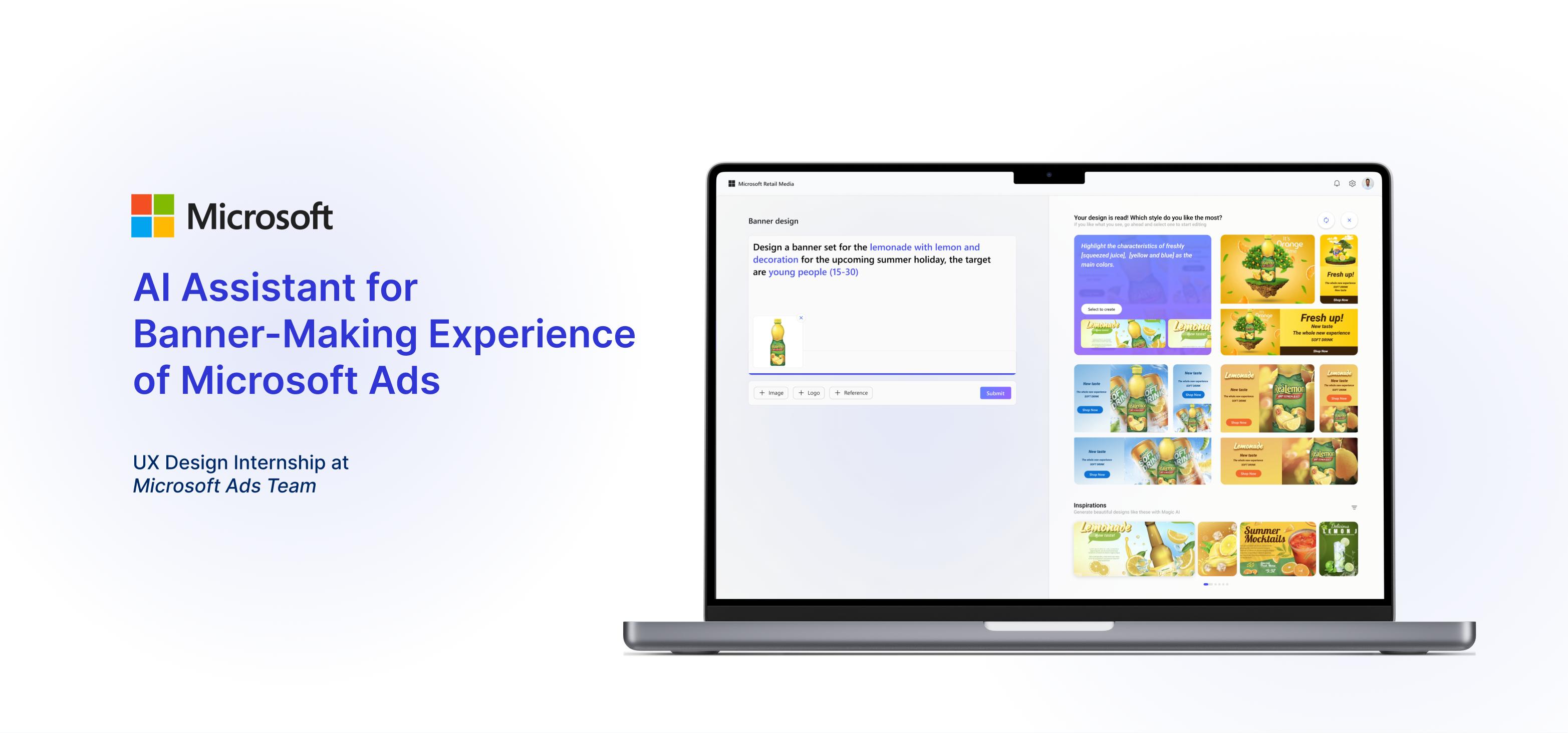
Design the wireframe and hi-fidelity of AI Assistant for Microsoft Creative Studio
02
Held the design sprint for Creative Studio feature brainstorming
03
Conducted and analyzed the usability test for quick iterations
WHAT SETS ME APART
01
System and strategic thinking help me consider overall vision and avoid revision
02
A priority mindset allows me to improve my efficiency for MVP version
03
Timely updates clarify the requirements and feasibility in an early stage.
SCHEDULE
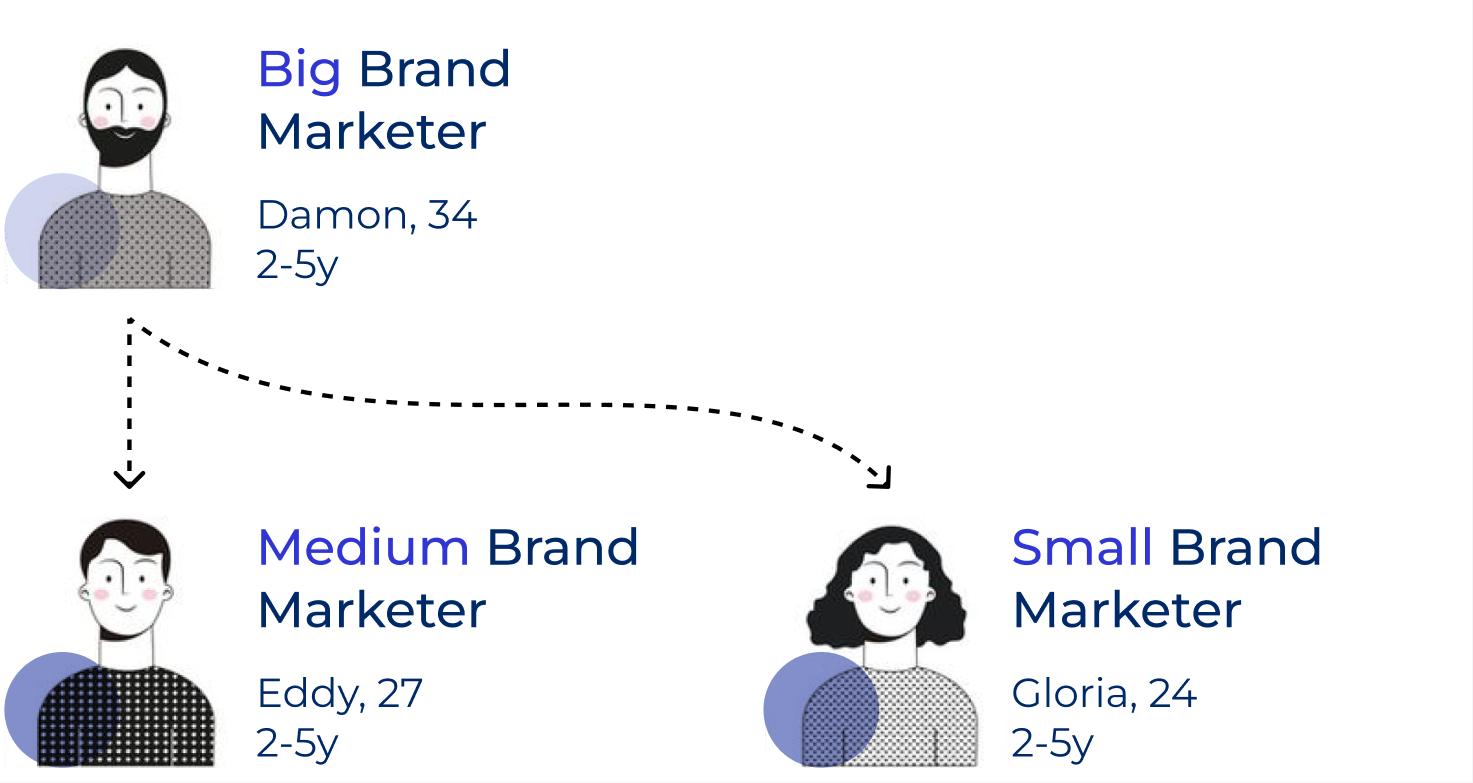
USERS
PAINPOINTS
01
Struggle to get started without a clear concept
02
Manually fine-tuning each form field is exhausting
03
Limited variety in banner outcome
PROBLEM STATEMENT
How might we integrate AI to help brand marketers improve efficiency and design quality of banner creation?
CONCEPT
Based on the design sprint held, we agreed on three directions and I was responsible for one of them, the exploration of the AI-generating idea. To balance the feasibility and innovation of my user flow, I sketched 3 rounds of wireframes.
FEEDBACKS
01
Too much flexibility overwhelms users
02
Limited AI ability to break the barriers between images and texts
03
Increased communication difficulties
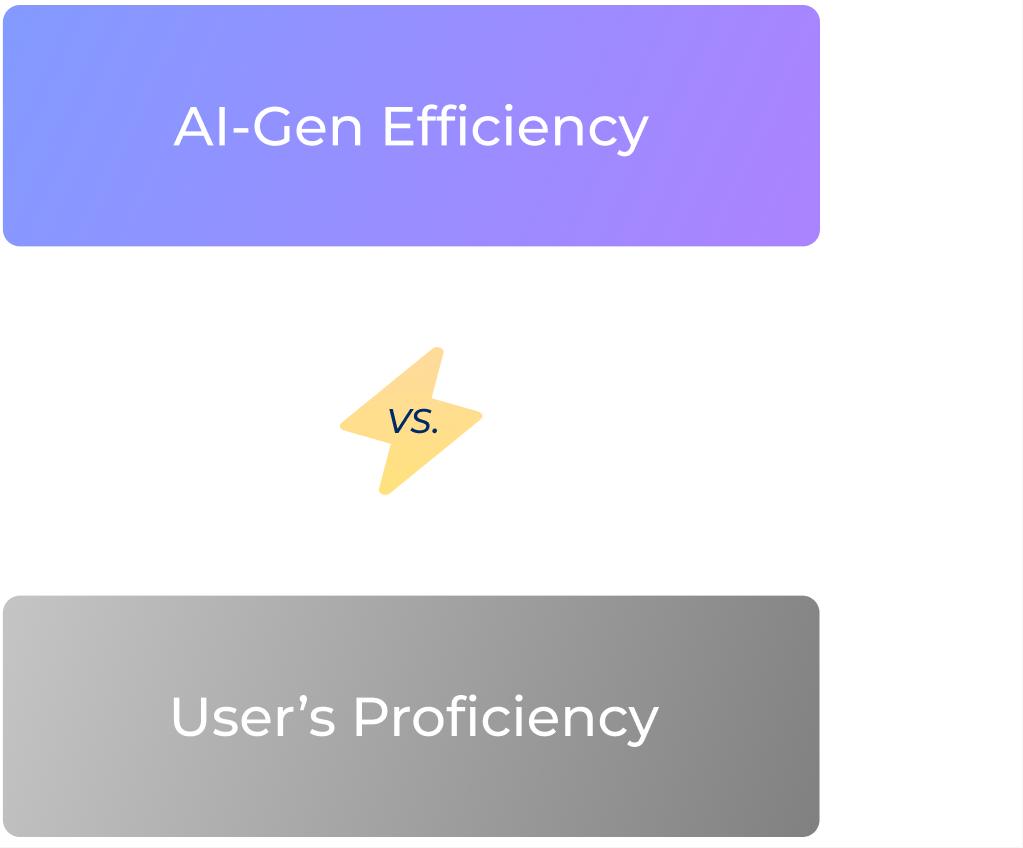
TRADE OFF
How might we increase the accuracy of Ads AI generation by guiding user behaviors?
STRATEGIES
01
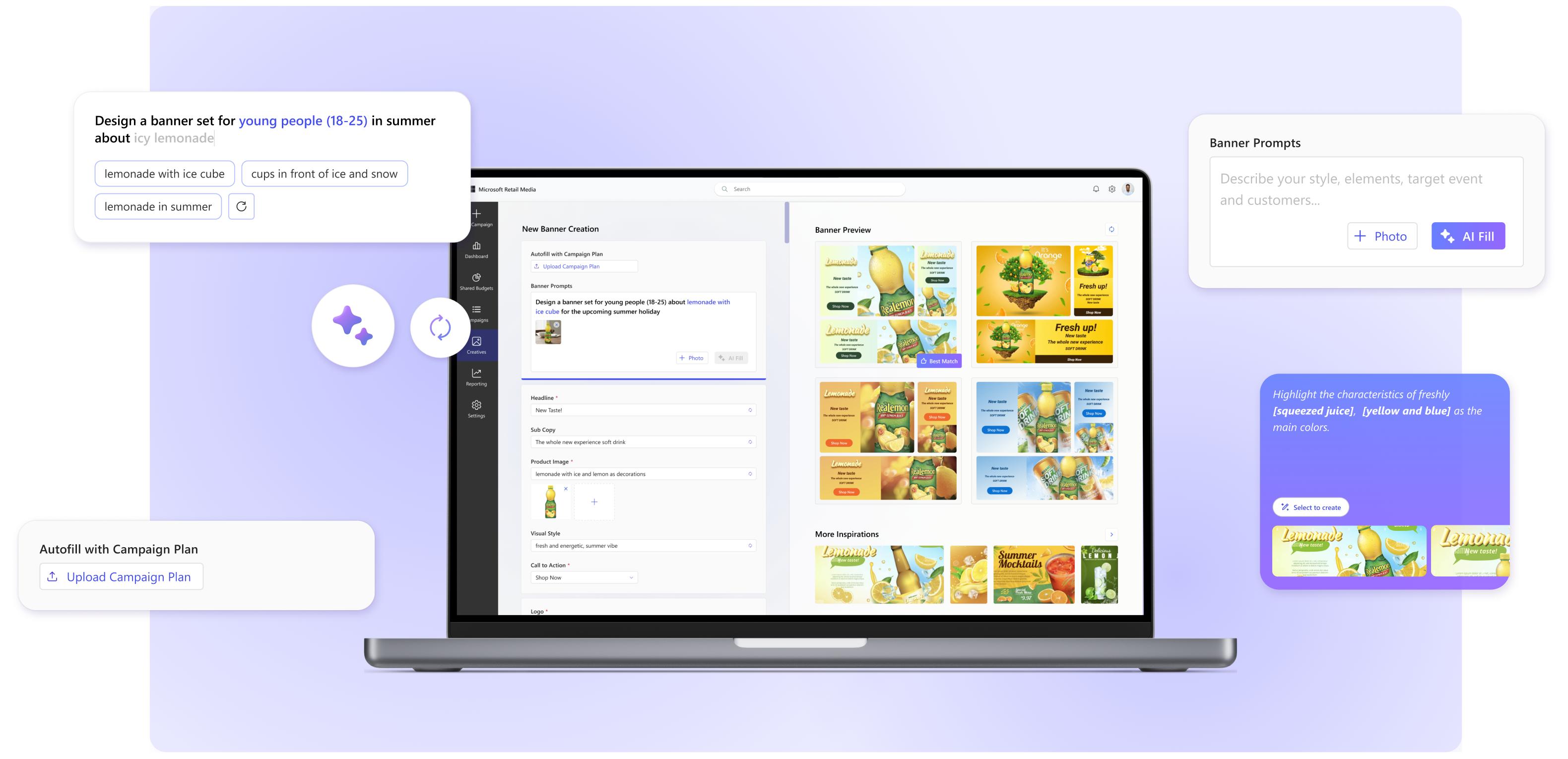
Provide AI-Gen selections to lead and narrow down their requirement prompt
02
Add more sample pictures to reduce the inaccuracy of Gen-AI through high amount
03
Simply AI prompting process by incorporating AI detail editing function as an addition to regular editing
FINAL DESIGN
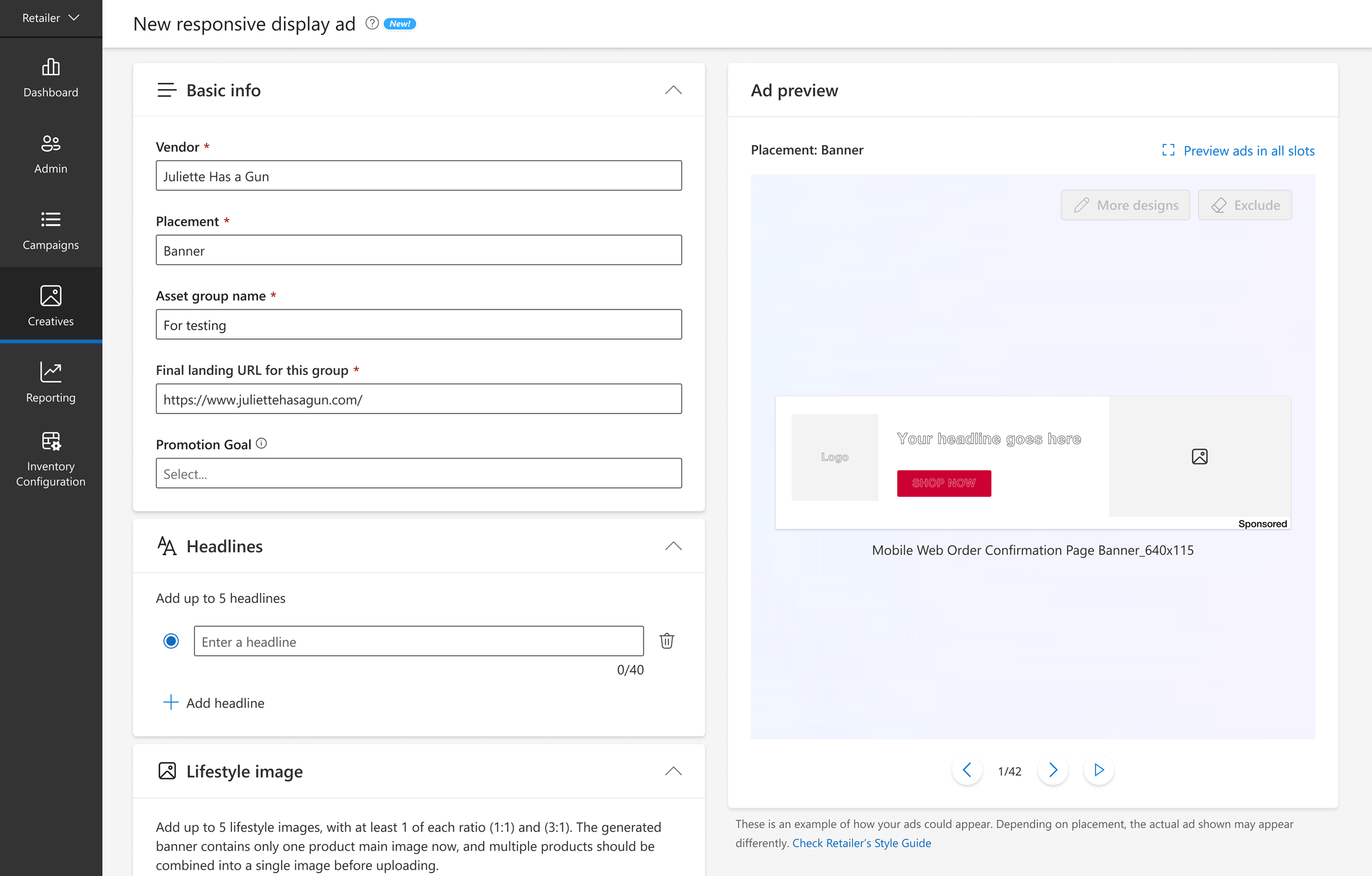
Before
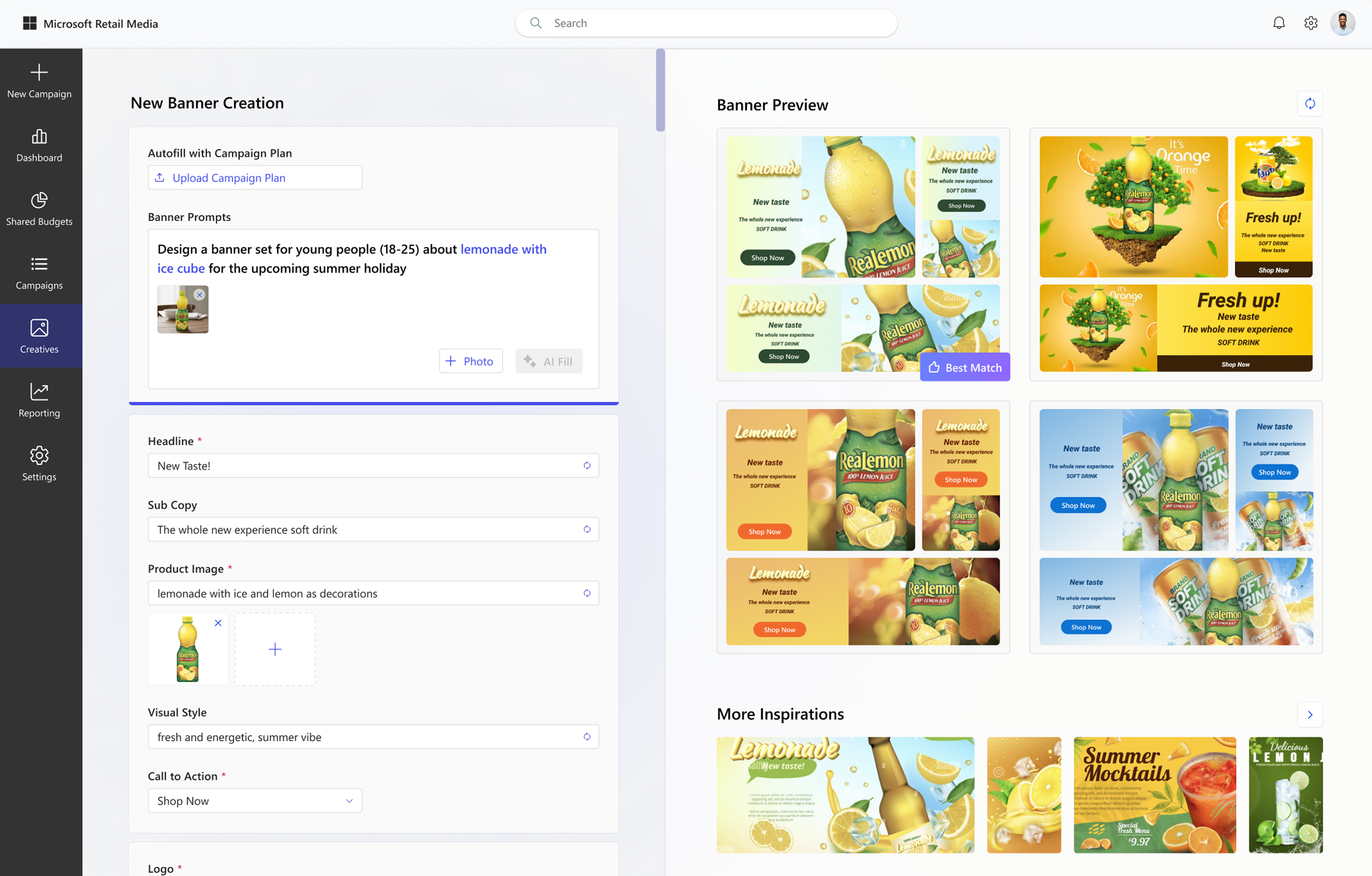
After
DESIGN HIGHLIGHT
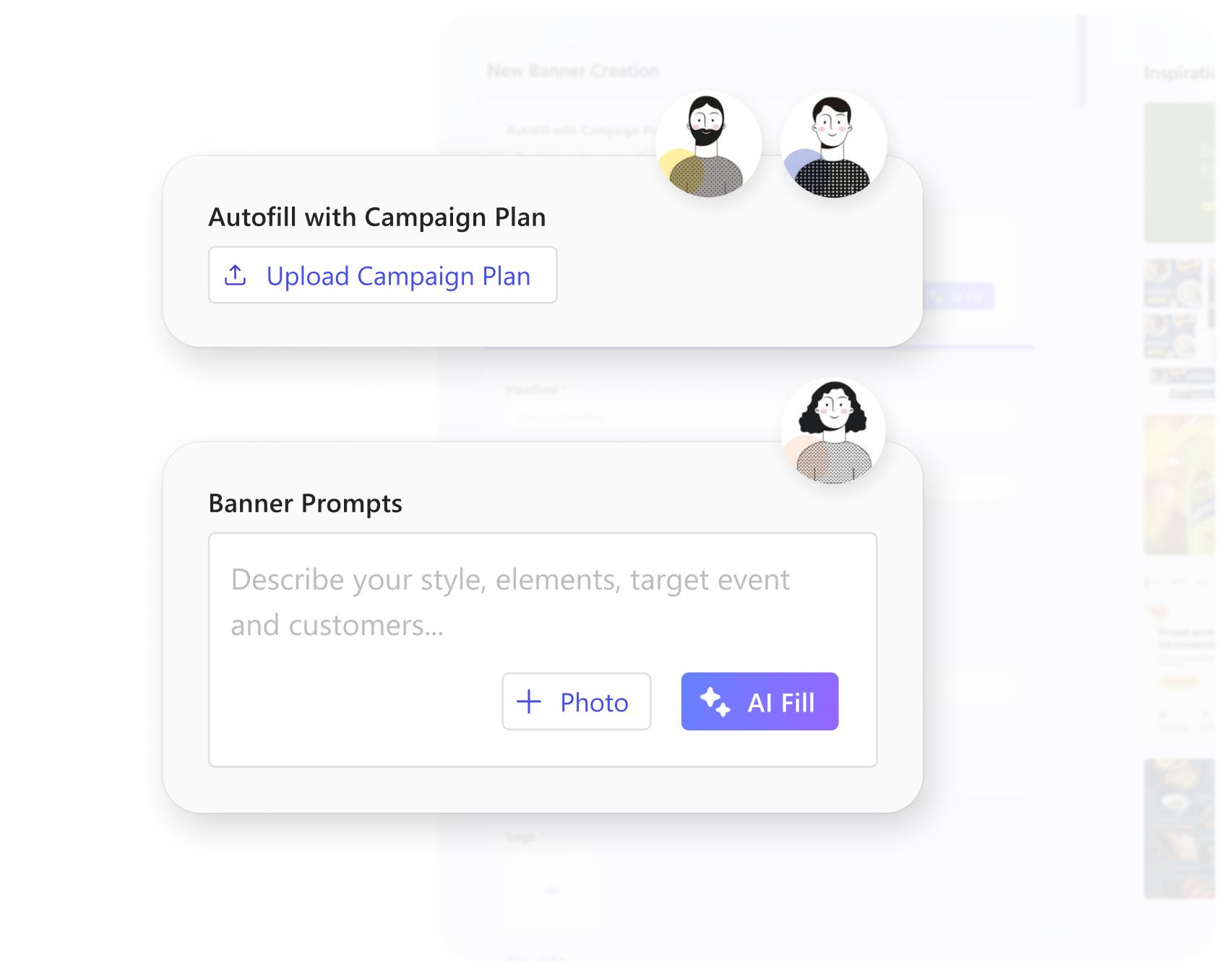
Different Starting Experiences for Small, Medium, and Large Vendors
I designed different starting experiences for small, medium, and large vendors to better match their unique needs, resources, and business goals.
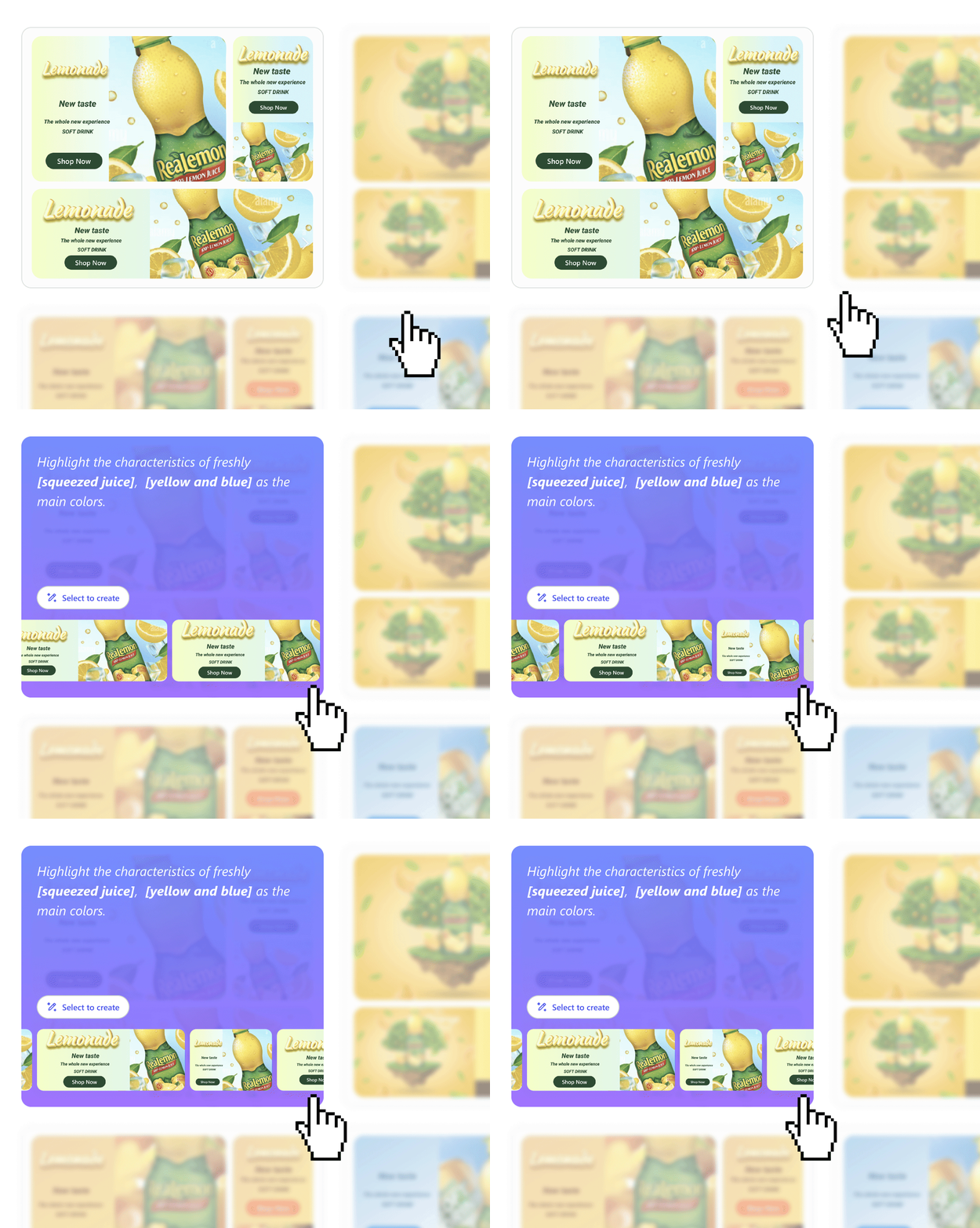
Select and Set a Master Banner Version
Users can choose their favorite generated banner set and designate it as the master version for further editing and campaign deployment.
Aligning and Evolving with the Microsoft Design System
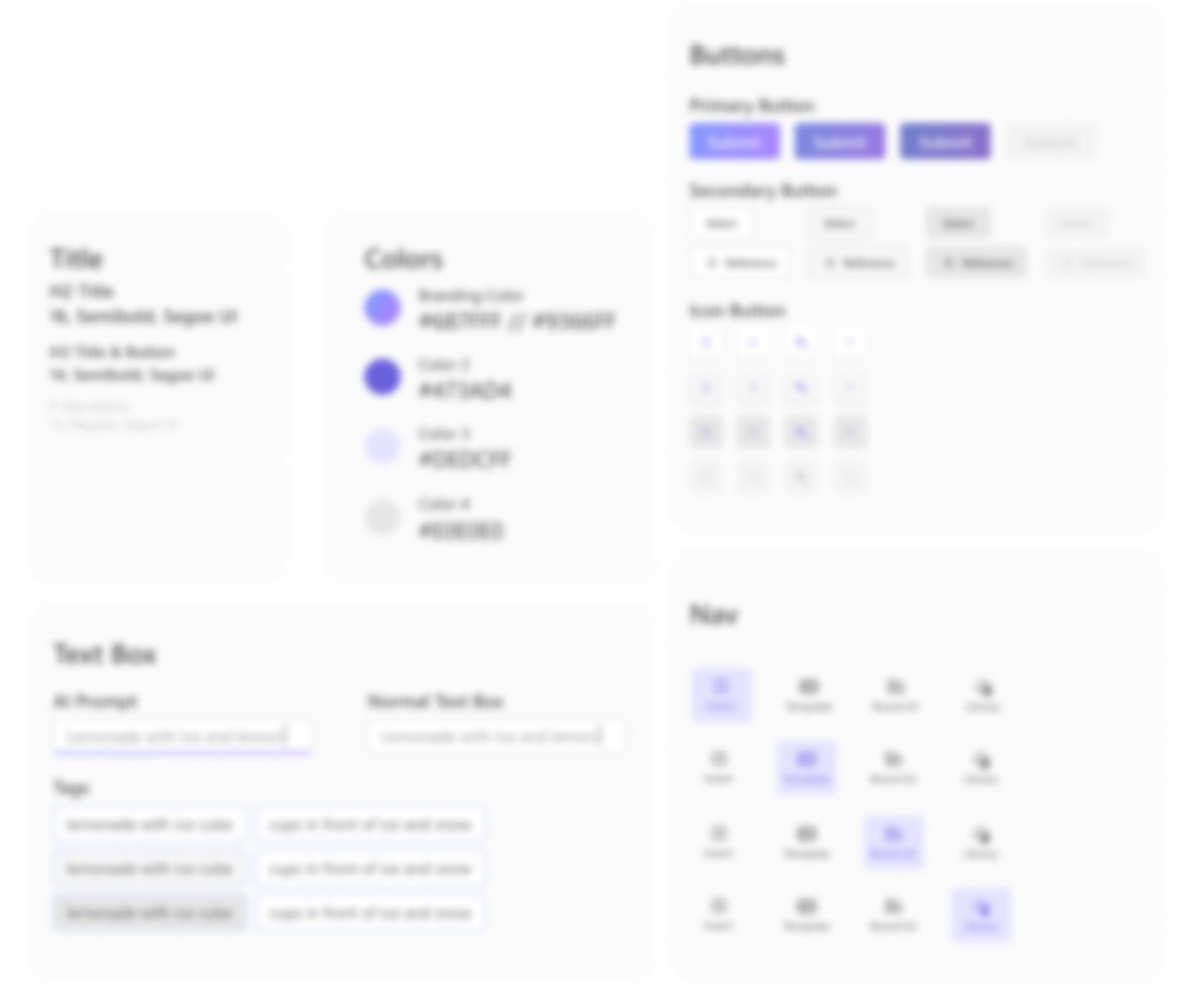
I updated the product’s UI by leveraging and extending the Microsoft Design System to ensure consistency, scalability, and a more cohesive user experience.
AI Prompting Support using Smart Suggestions and Highlights
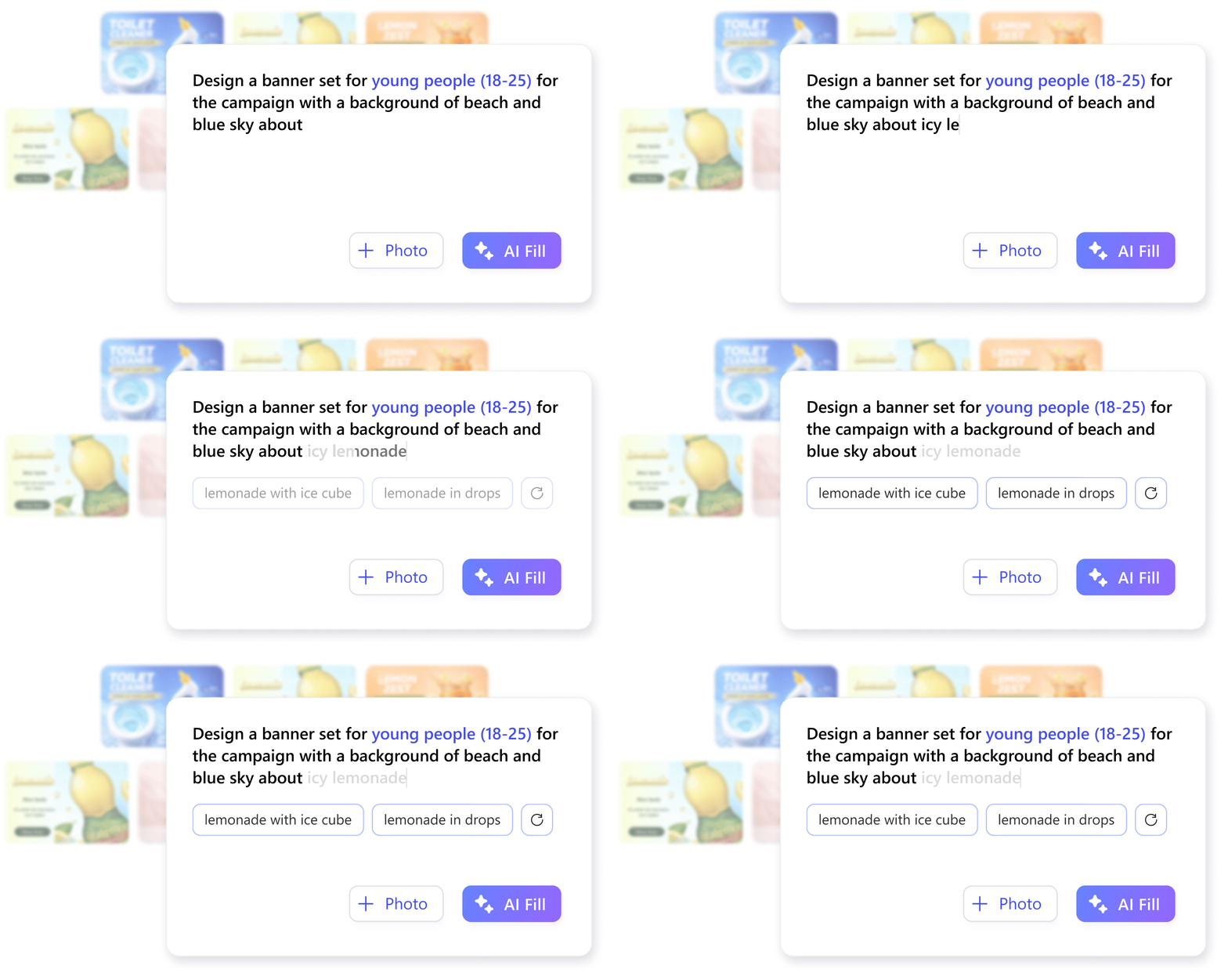
I designed AI-powered suggestions and contextual highlights to help users generate ideas faster and refine their prompts with more confidence.
Simplified Sheet Design for Better Clarity and Efficiency
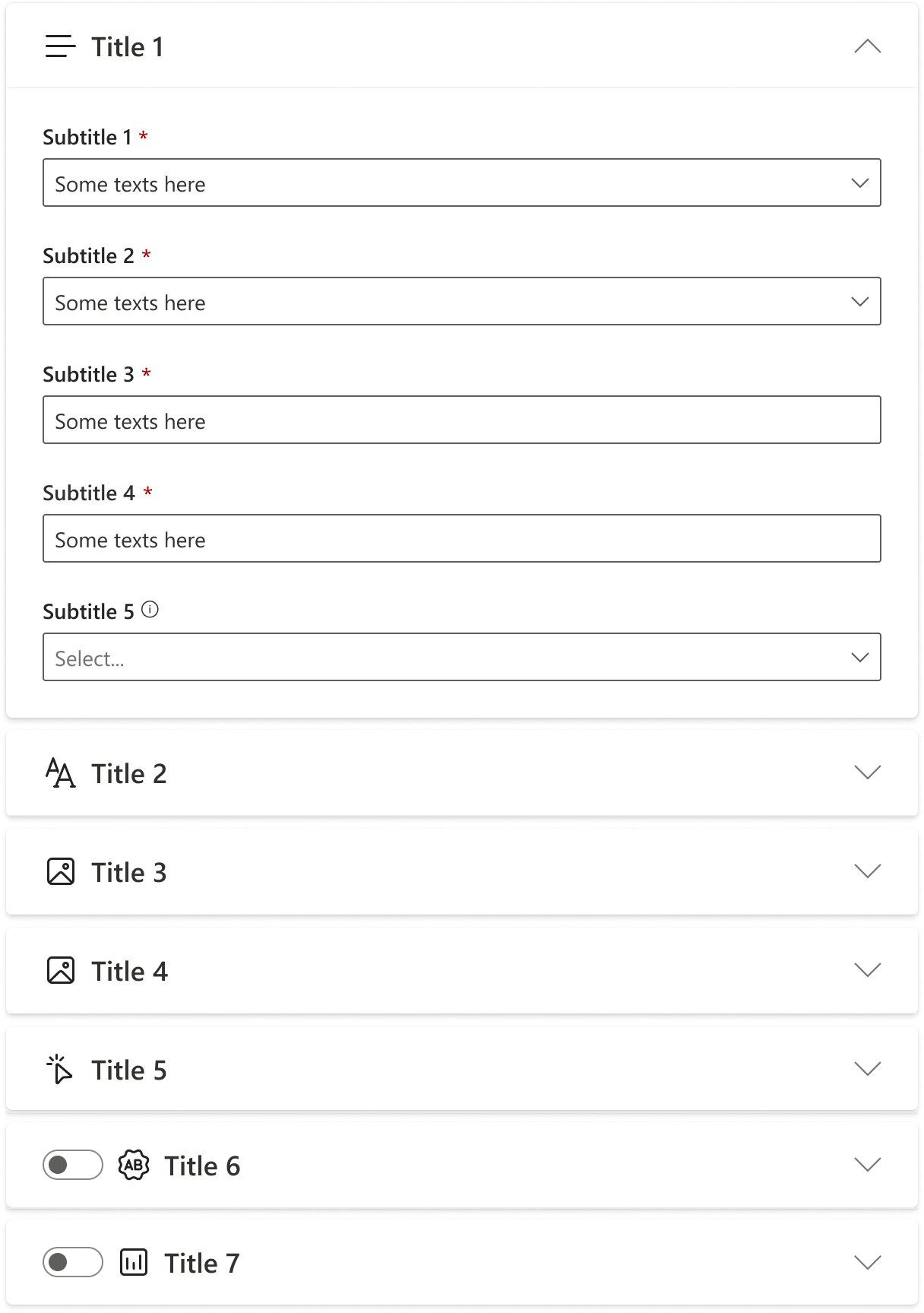
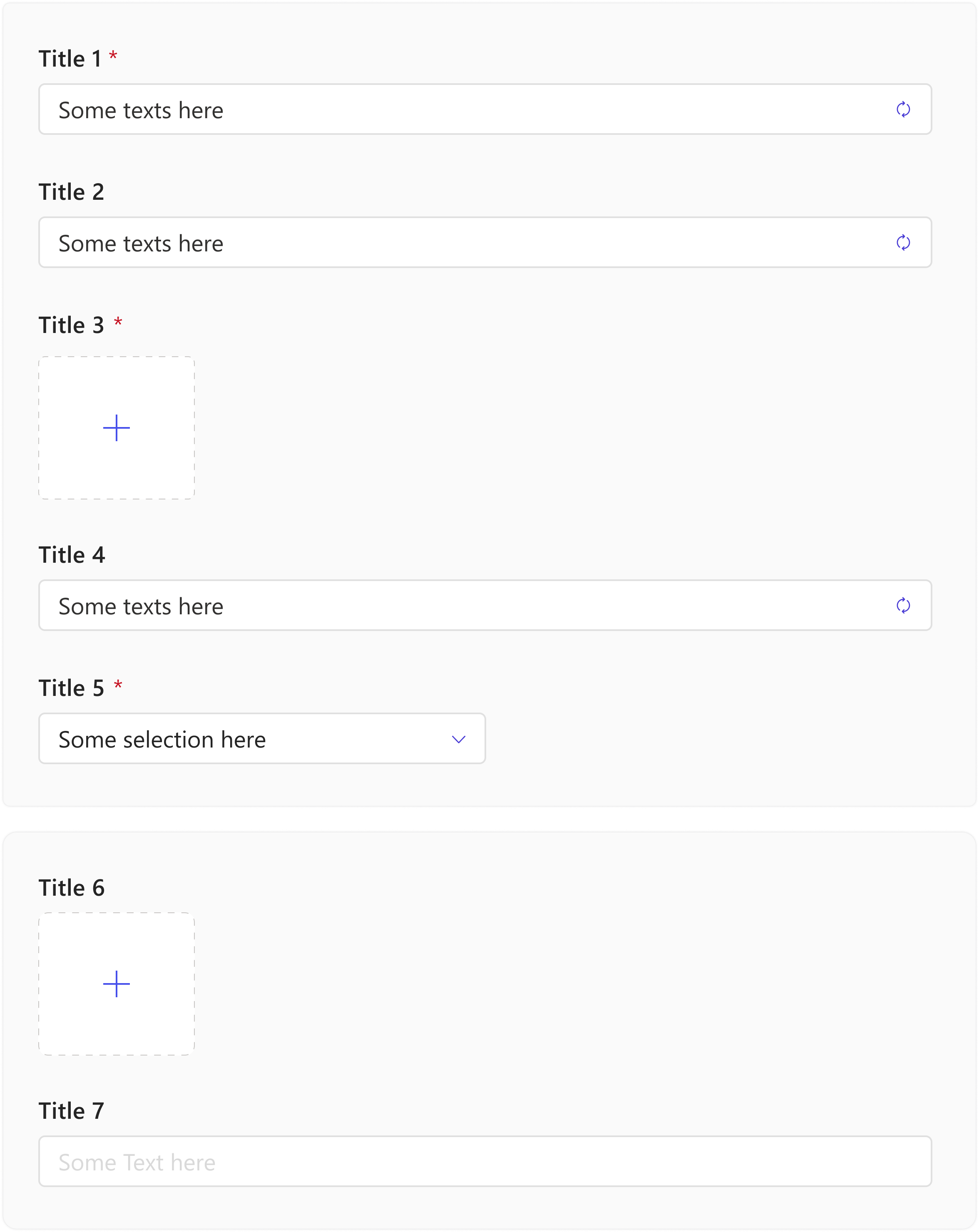
I streamlined interactions and clarified the information hierarchy to make the sheet easier to navigate and use.
Before
After
DECK UNDER PASSWORD
The content has been password-protected since 02/20/2026. I apologize for any inconvenience if you did not receive the password. Feel free to reach out for access credentials and the updated resume.
REFLECTIONS
System thinking improves the collaborations between designers
By considering the overall vision and interconnected elements from the start, designers avoid potential rework and ensure that all tasks are aligned. This approach helps streamline the design process and reduces the need for significant revisions later on.
Test and update with your clients as early as possible
Before beginning design, it is best to clarify client's requirements and engineer’s feasibility to avoid disagreements when the design draft is completed. At the same time, requirements may change from time to time, thus keeping up to date and communicating is essential.